Sleep. We'll pause.
Fall asleep to podcasts and audiobooks without losing your place. nidraro detects when you drift off and pauses automatically.

What makes nidraro different
Smart sleep detection that actually works. No timers, no guessing.
Smart Sleep Detection
Uses your heart rate and movement patterns from Apple Watch. Not just a timer that pauses after 30 minutes.
Works With Everything
Apple Podcasts, Audible, Spotify, Overcast, and any other app that plays audio. No special integration needed.
Automatic Pause
When sleep indicators are detected, playback pauses automatically. No button pressing, no timer setting.
Rewind Suggestion
When you wake up, see exactly how long to rewind. No more scrubbing through episodes trying to find where you dozed off.
Privacy-First
All data stays on your device. No accounts, no cloud storage, no analytics, no tracking. Your sleep data is yours alone.
One-Tap Simple
Start your audio, tap "Start Monitoring," and you're done. nidraro takes care of the rest while you drift off.
How it works
Four simple steps. No complicated setup.
Start your audio
Play your favorite podcast or audiobook in any app you like.
Tap "Start Monitoring"
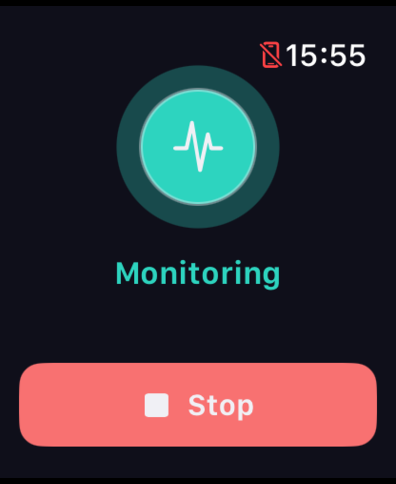
Open nidraro and tap once. Your Apple Watch begins collecting data.
Drift off to sleep
nidraro watches your heart rate and movement in the background.
Wake up informed
Audio paused automatically. nidraro tells you exactly how far to rewind.
See it in action
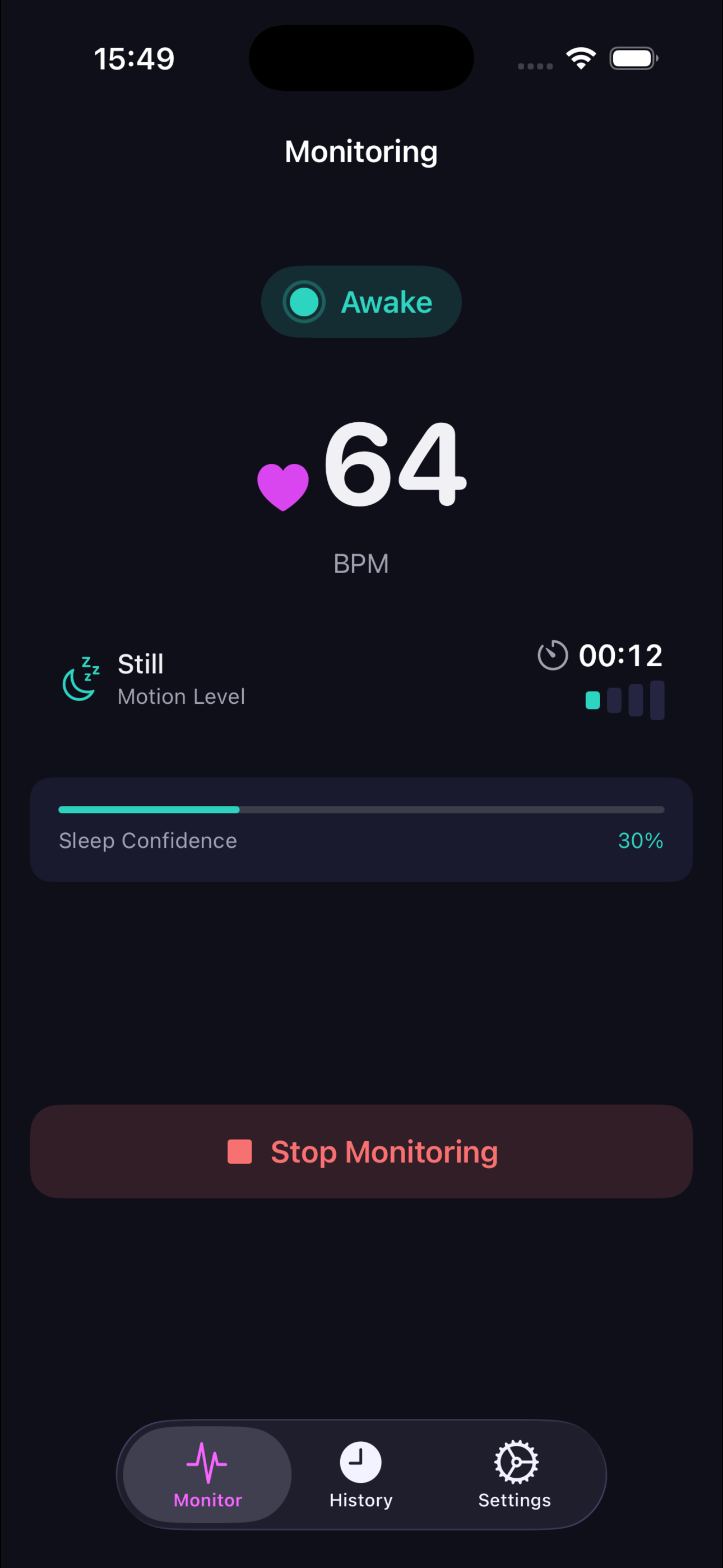
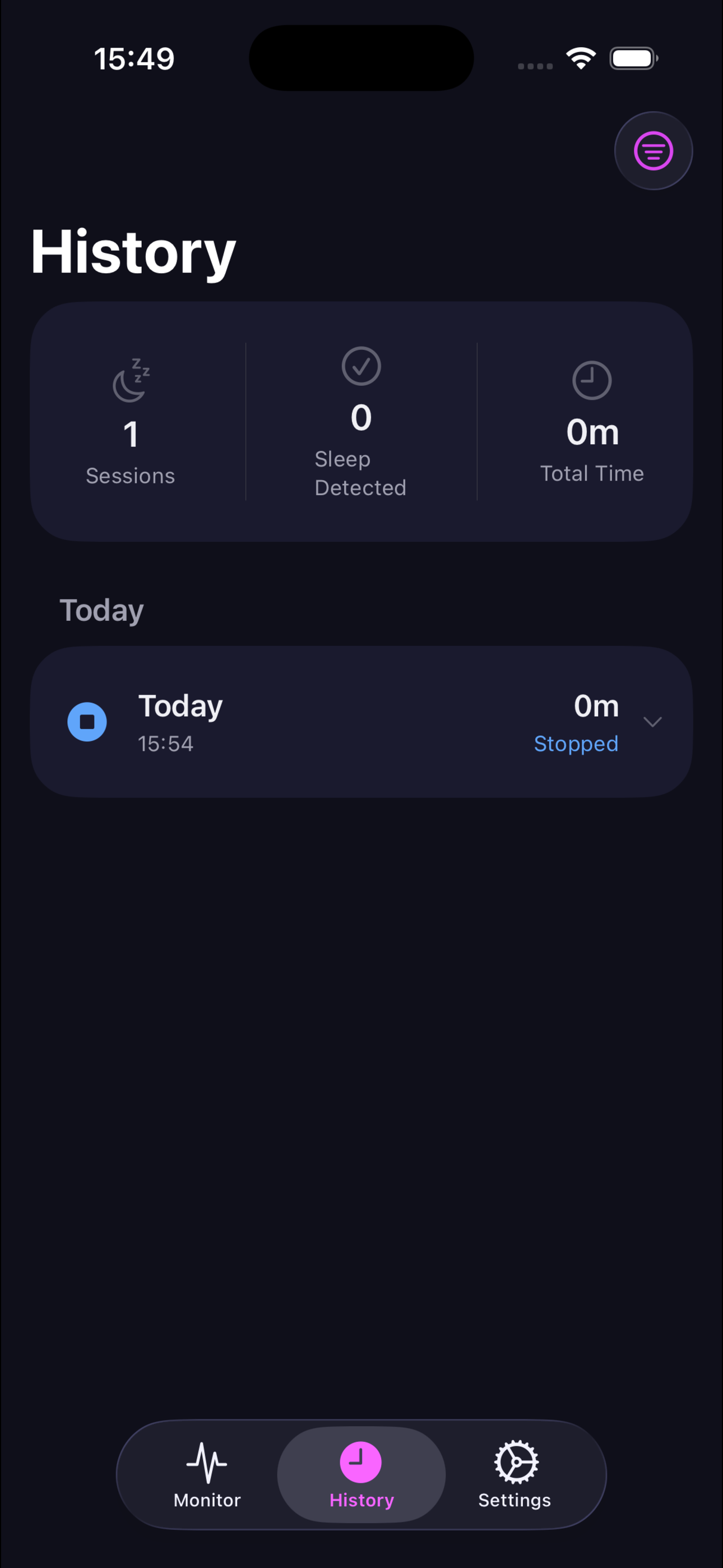
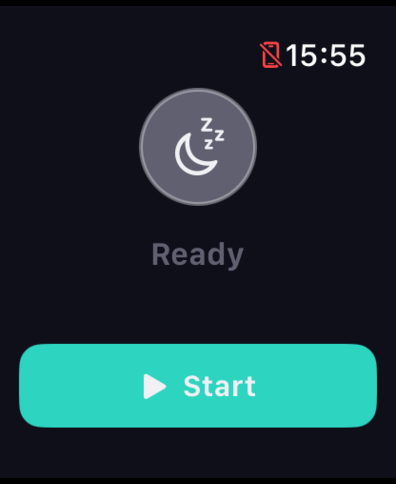
Clean, focused interface on iPhone and Apple Watch.

Ready to sleep better?
Download nidraro and never lose your place again.
Requires iPhone with iOS 26+ and Apple Watch with watchOS 26+